DonkeyCMS 1.14 is out, and it is a happy one. Nothing exploded, nothing needs a database step, and the donkey only complained twice.
Long posts are where blogs lose people. So this release is about making a post easier to read, and your newest posts easier to find.
A contents list that writes itself
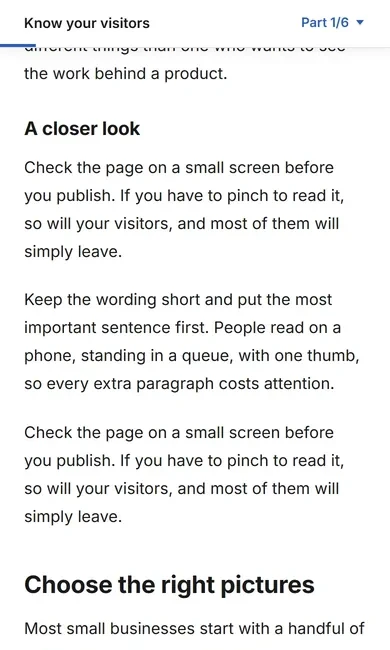
Any post with three or more sections now gets a contents list, built from the headings you already wrote. On a wide screen it sits beside the text. On a phone it becomes a small bar at the top with a section menu and a thin progress line, so readers always know how far along they are.
If your website pins something to the top of the screen, like an announcement bar, the list starts below it instead of hiding underneath. Prefer a cleaner page? One switch in Settings, Features turns it off.

Reading mode, for the 11 p.m. reader
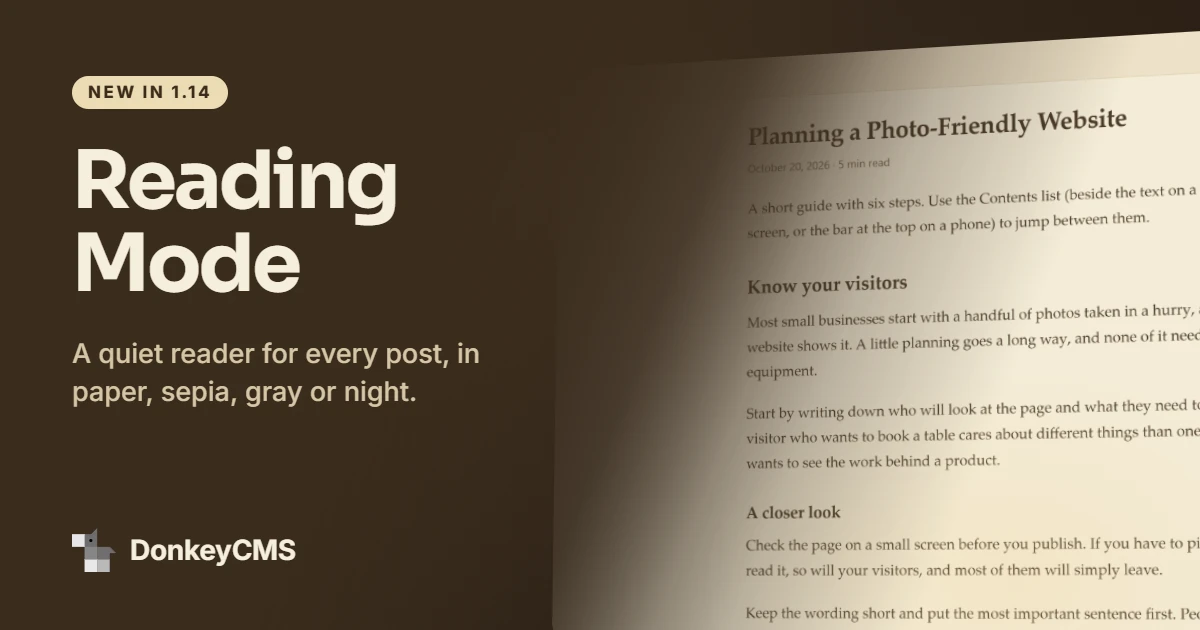
Every post now has an Aa button. Tap it and the page becomes a quiet, full-screen reader: just the article, in paper, sepia, gray or night colors, with your pick of text size and serif or sans type. Visitors' choices are remembered in their browser, without cookies.

We tested sepia at midnight. The donkey fell asleep on the second paragraph, which we count as a success.
Recent Posts widget, now on every plan
The Recent Posts widget shows your newest posts anywhere on your own website, like the homepage, so visitors who never open the blog still see that it is alive. It used to need a paid plan. Now it is on every plan, Free included, and shows your 3 newest posts.
Pro and up can show 6 or 9 posts and slide through them with arrows. On phones, the View All Posts button and the arrows now share one tidy row. The pricing page has the details.
Hide the blog while you build it
There is a new switch in Settings, SEO & AI: Hide this blog from search engines. It is handy while you write your first posts or test a design. The rest of your website is not affected, and the dashboard reminds you while the switch is on, so you will not wonder in three months why nobody finds you.
How to update
Open License & Updates in your admin panel and click update. It takes a few seconds and makes a backup first.
New here? The Free plan has everything above except the slider. Not sure which plan suits you? Read which DonkeyCMS plan is right for you.