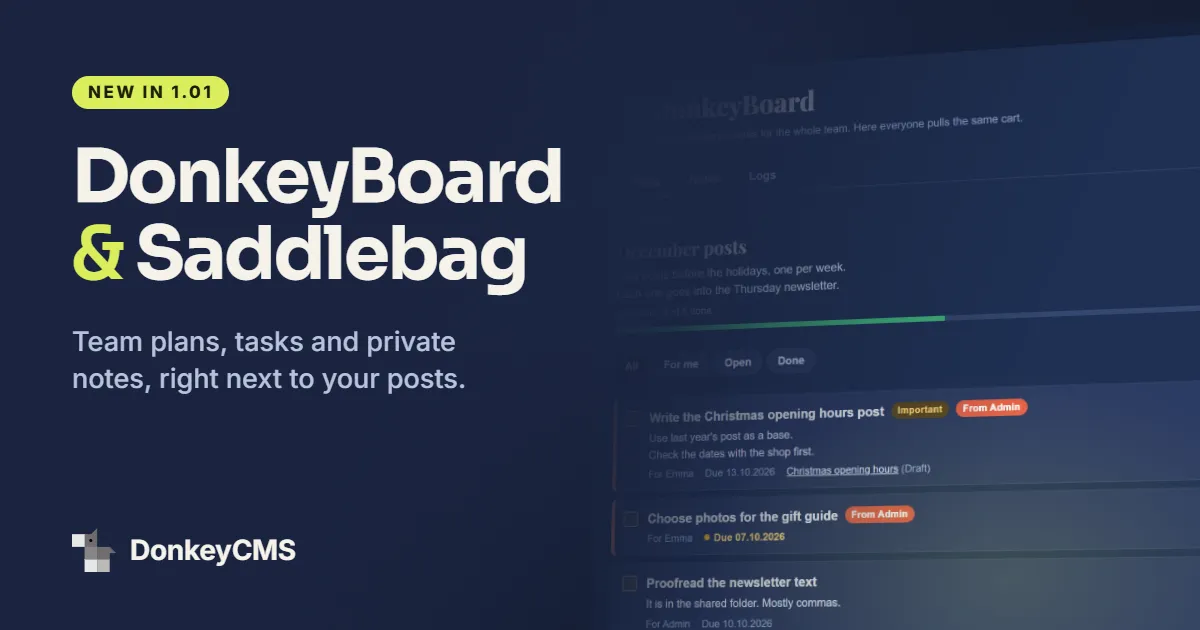
Every blog has a plan. It is rarely in the blog.
It is in a spreadsheet somebody made in March, in a chat thread nobody can find, on a board in another app that half the team forgot the password to. The posts are in one place and the plan for the posts is somewhere else, and keeping the two in step is a small job that somebody does by hand, every week, forever.
DonkeyCMS 1.01 moves the plan in with the posts. Two new things arrived with it: DonkeyBoard for the team, and Saddlebag for you alone.
DonkeyBoard: the plan, next to the posts
DonkeyBoard is a page in your admin panel where the team keeps its plans. A plan is a list of tasks with one goal: "December posts", "Spring campaign", "Tidy up the old articles".
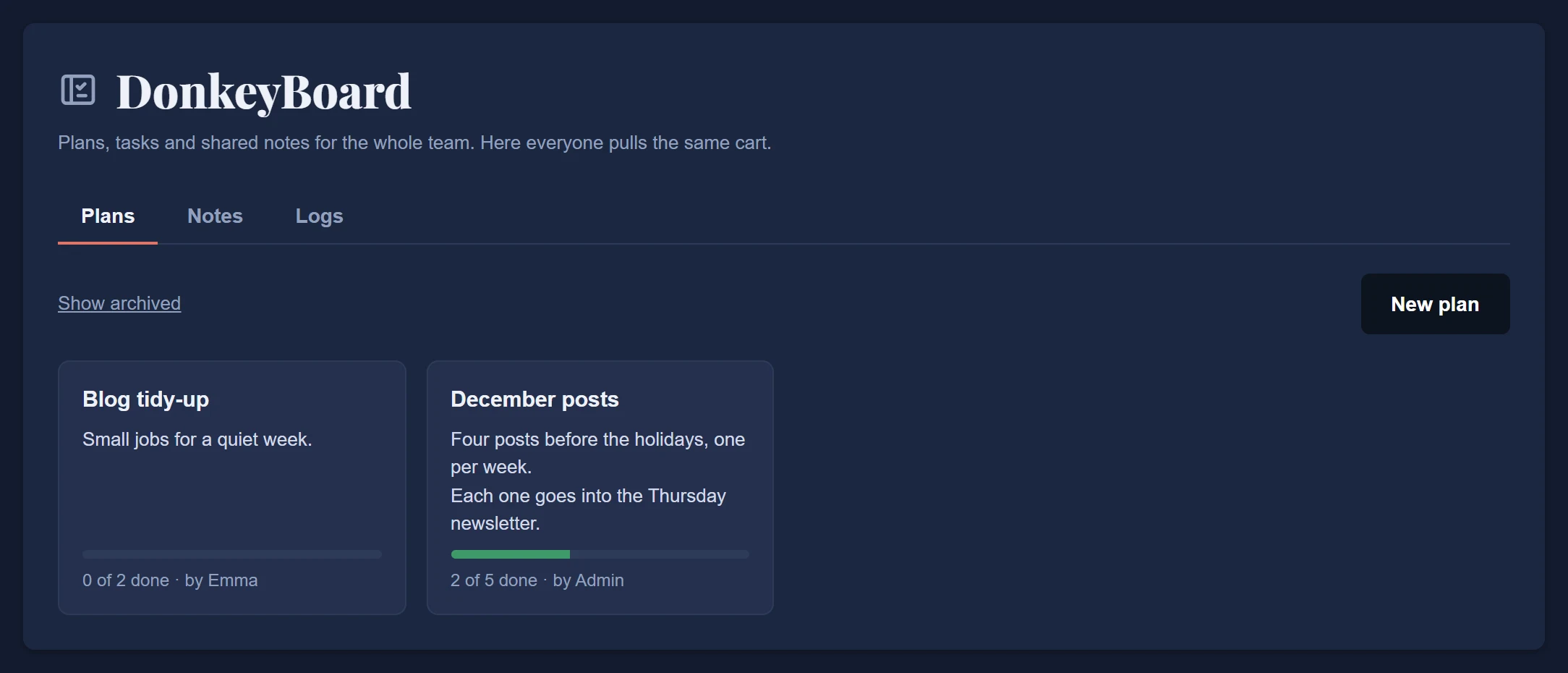
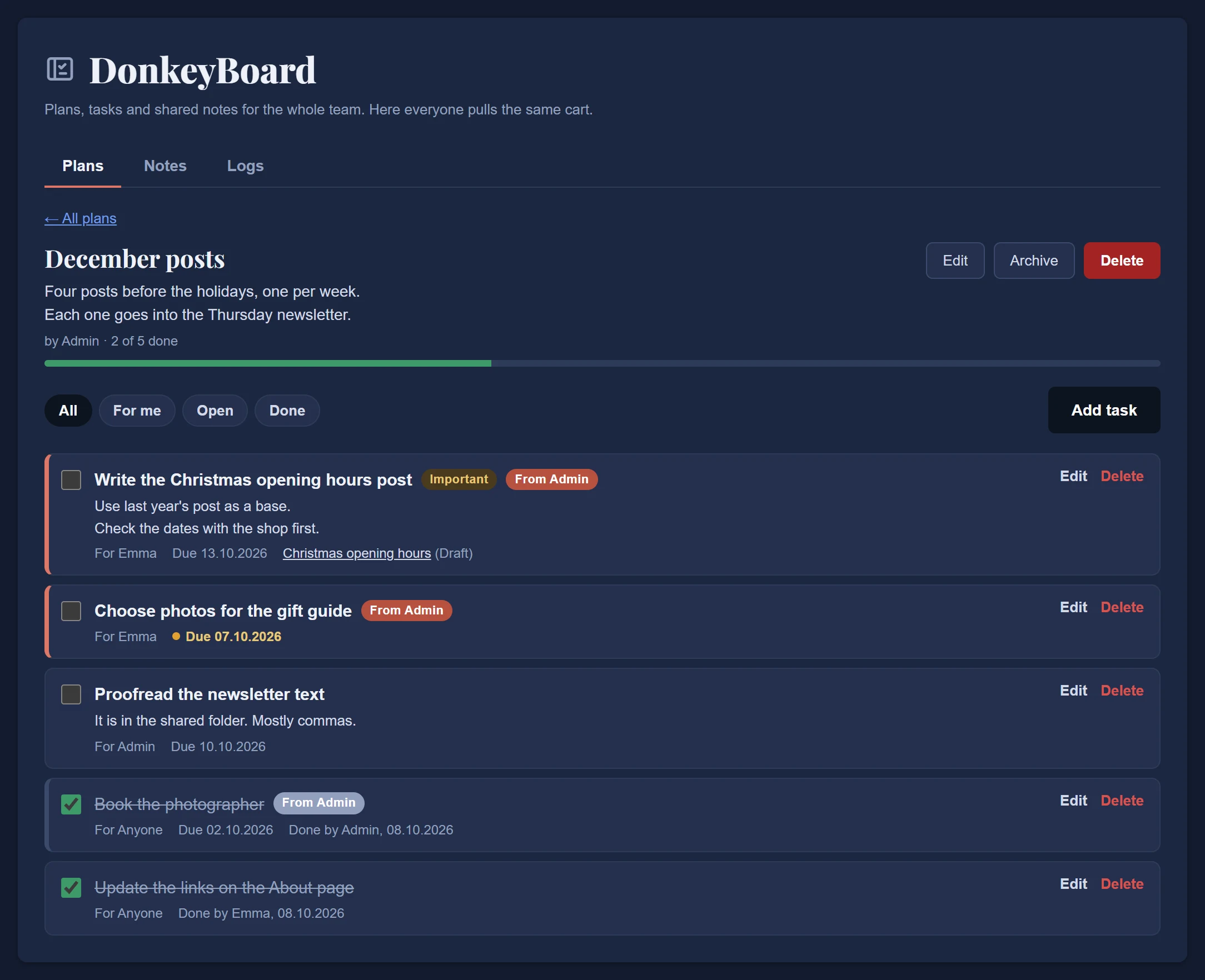
Each task says what needs to be done, who it is for and by when. You can mark one as important, and you can link it to a post. An open task that is past its date turns amber, which is as close as a donkey gets to raising an eyebrow.
The task that ticks itself
This is the part no separate planning tool can do, because no separate tool knows what your blog is doing.
Link a task to a draft. When that post goes live, the task marks itself done. It does not matter how the post got there: you pressed Publish, an editor approved it after review, or it was scheduled for Tuesday at nine and Tuesday at nine arrived. The board notices, ticks the box and writes "Done automatically: post published".
Nobody has to go back and update the plan. The plan already knows.
Notes for everyone, and a record of who did what
The board has two more tabs.
Notes is for the things the whole team should be able to find: your house style, the image sizes that work, the day the newsletter goes out. Write it once, pin it to the top, stop answering the same question in chat.
Logs is a plain list of what happened: who added a task, who finished one, which plan was archived. Everyone on the team can read it. We built it for the record, and then noticed it also works as a quiet scoreboard. We take no responsibility for what your team does with that.
Who may do what
Everyone on the team can see the board, add plans and tasks, and mark any task done. People change and delete only their own things.
For the rest there is a new permission with the most serious name we have ever shipped: Board Police. Give it to a role and that role can tidy up anyone's plans, tasks and shared notes. Masters have it from the start.
Saddlebag: notes only you can read
Not every thought is ready for the team. Some are half an idea for a post, a question you need to ask the photographer, or a reminder that nobody else would understand.
That is what the Saddlebag is for. Click your name at the top of the admin panel, open it, and write.
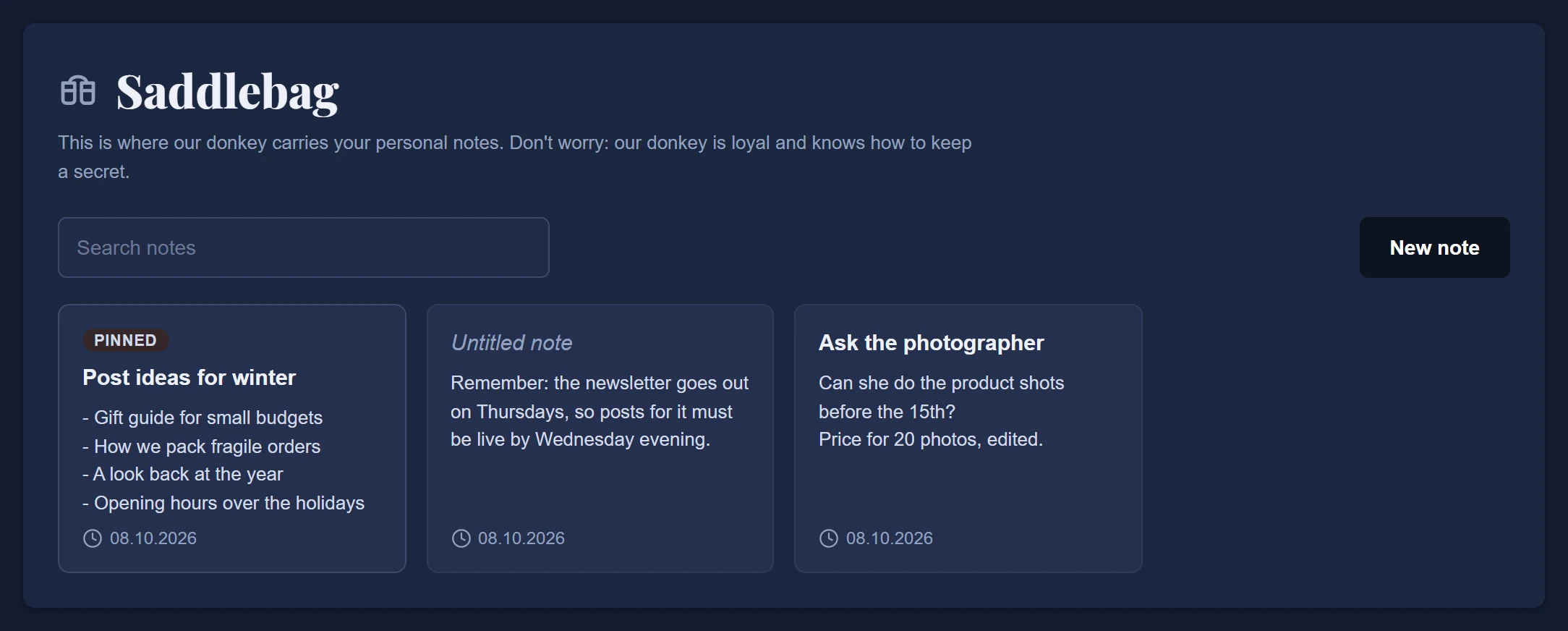
Notes are plain text. You can pin the ones you need most and search the rest. Every person on your team gets their own Saddlebag, and nobody else can open it. Not the editor, not the Master account, not us. A donkey that tells your secrets would not be much of a donkey.
One honest footnote, because we would rather you hear it from us: notes are stored in your own site's database and backups, the same as your posts. So do not keep passwords in there.
And when a private note grows up into something the team should see, one button moves it to DonkeyBoard. Changed your mind? You can take it back.
How to get them
Both arrived in DonkeyCMS 1.01, and the update is one click from License & Updates in your admin panel.
Saddlebag is part of Pro, Business and Agency.
DonkeyBoard is part of Business and Agency.
If you run a white-labeled install for a client, they will see them as My Notes and Team Board, with the donkey jokes swapped for polite sentences. The donkey understands. It is not offended.
The full guides are in the docs: DonkeyBoard and Saddlebag. You can compare the plans on the pricing page.