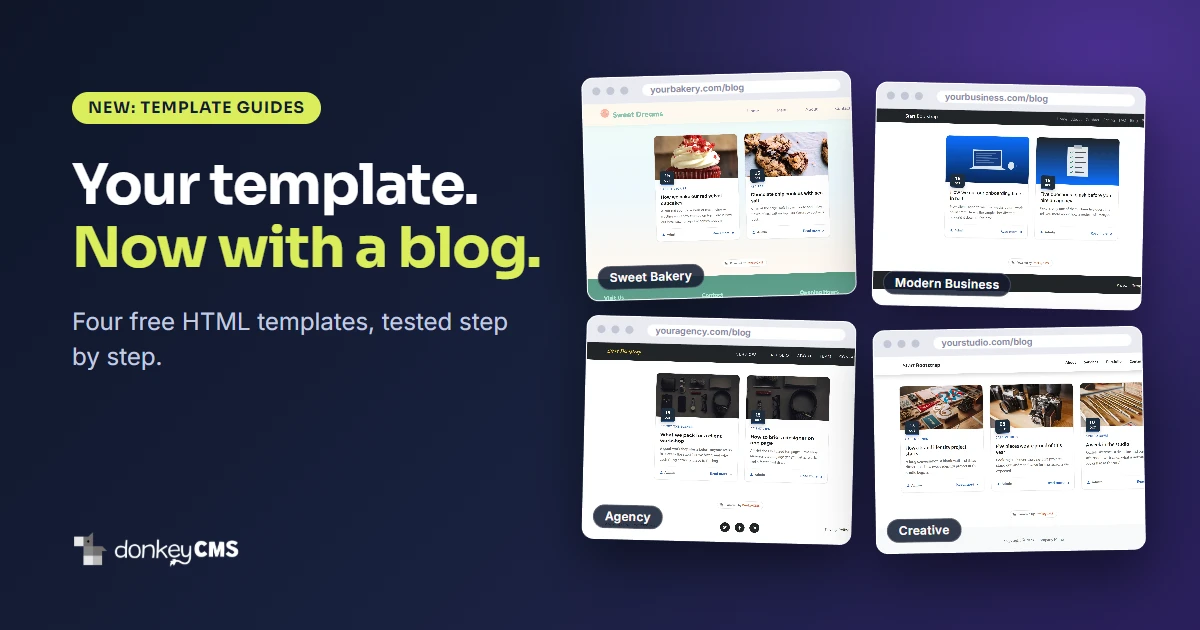
Saying a blog system works with any HTML template is easy. Proving it is a different job. So we picked four popular free templates, installed DonkeyCMS on each one, and wrote down every single step, including the ones where something went wrong.
The four are Sweet Bakery from Tooplate, and Modern Business, Agency and Creative from Start Bootstrap. They are not related to each other and they were not built with a blog in mind, which is exactly why we chose them.
Sweet Bakery is a one-page bakery site with no blog at all.
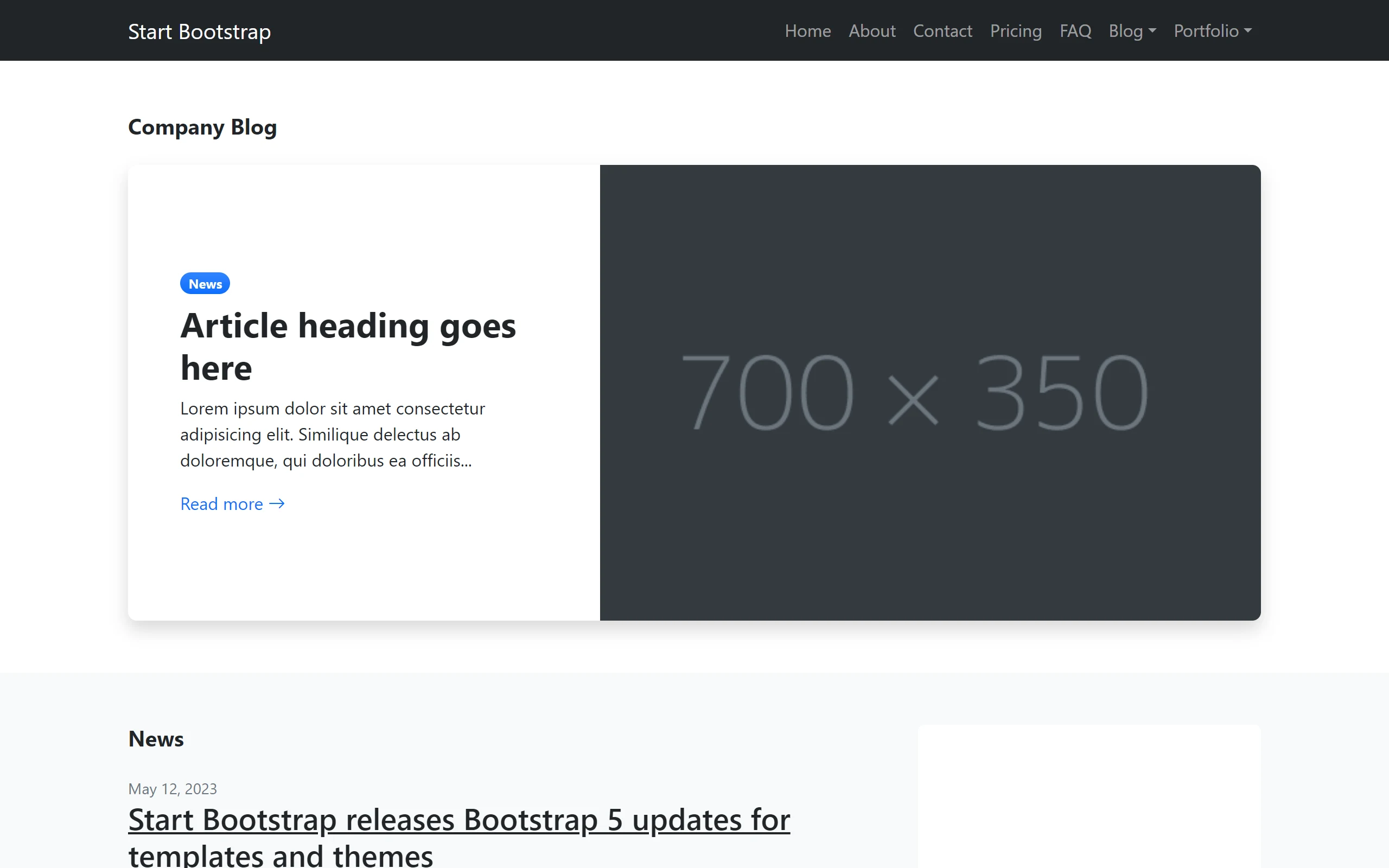
Modern Business has a Blog menu, but its two blog pages are only a design. "Article heading goes here", Lorem ipsum and grey boxes. To publish anything you would copy a page, write into the code and upload it by hand, every time.
Agency and Creative are long one-page scrolls made for showing off work, with no place for a news post or a case study.
What a guide looks like
Every guide follows the same four steps, and none of them needs you to write code.
Upload the DonkeyCMS folder and run the installer.
Let Frame Setup copy the template's own menu and footer. It shows a preview first, so nothing is saved until you have looked at it.
Swap the old menu and footer on your pages for two short lines that load the shared ones, and rename the pages from
.htmlto.php.Write your first post.
The guides give you the exact line numbers for the template version we tested, a screenshot for each step, and the phone view at the end. Modern Business is the biggest of the four, with seven pages to change, and it still takes about 20 minutes.
You will find them all in one place: Template guides in the docs.
What broke
We would love to say it all worked the first time. It did not, and that is the useful part. Here is what we found and fixed.
The banner was mistaken for the menu. Start Bootstrap puts a big welcome banner in a header tag right below the menu. Frame Setup looked at the page, found a header, and copied the banner instead of the menu. Your blog would have opened every post with a giant picture. Frame Setup now recognizes a welcome banner and takes the menu above it. It also no longer offers a welcome section as a separate phone menu just because it repeats the menu's links. This landed in version 1.08.
A white menu on a white page. Agency's menu is see-through and fixed to the top, which looks great over a photo and disappears over a white blog page. The template only declared this for desktop-sized screens, so Frame Setup never noticed. From version 1.09 it does, and it offers the template's own solid menu for blog pages.
Logos that went missing. A logo saved with a relative address, such as assets/img/logo.svg, worked on the homepage and showed up broken on blog pages. Version 1.09 gives it an address that works everywhere.
Cards that stretched. A square or wide featured image could make its card on the blog home page taller than the rest. Cards now keep their shape, whatever picture you give them.

None of these was dramatic. They are the kind of thing you would have run into yourself at eleven at night, wondering whether the mistake was yours. It was not, and now it is fixed for everyone. The donkey would like it noted that it carried the menu across the whole way and only complained at the banner.
What if your template is not on the list
Most free HTML templates work on the same idea: Frame Setup copies your template's own menu and footer, and the blog wears them. The details change from template to template, which is why each guide has its own line numbers. If yours is a different one, read the Frame Setup guide, and check the preview before you save anything. It tells you which part of the page it took as the menu.
More templates are coming. If there is one you would like to see, tell us.

Who this is for
DonkeyCMS adds a blog to any website that is not WordPress, whether you already have one or are still building it, by hand, with a framework or from a template. Everything in the guides works on the Free plan, and Frame Setup and Frame Studio are part of every plan.
How to get it
The guides are live now. To get the fixes, open License & Updates in your admin panel and click update. It takes a few seconds and makes a backup first. If you have not tried DonkeyCMS yet, the Free plan is the place to start.
Pick a template, follow its guide, and tell us where it lies to you. The donkey is stubborn about everything except fixing mistakes.