Your website is finished. It loads fast, it looks exactly the way you (or your designer) wanted, and you have stopped fiddling with the spacing on the contact page. Then someone says the sentence every site owner eventually hears: "We should really have a blog."
The usual options aren't great. You can rebuild the whole thing in WordPress and hope it still looks like you. You can put a hosted blog on a different address, where it looks like a stranger's house with your name on the mailbox. Or you can hand-write a new HTML page every time you have something to say, which works for about three posts.
DonkeyCMS is the fourth option. It adds a blog to the website you already have, without rebuilding it and without handing your design over to a theme.
What DonkeyCMS actually is
DonkeyCMS is a small, self-hosted blog system. It runs on PHP and MySQL, which almost every ordinary hosting package already supports (you need PHP 8.1 or newer). You upload it into a folder on your site, usually /blog, run a short installer, and you get a proper place to write: an editor, drafts, scheduled posts, images, and the technical details search engines care about.
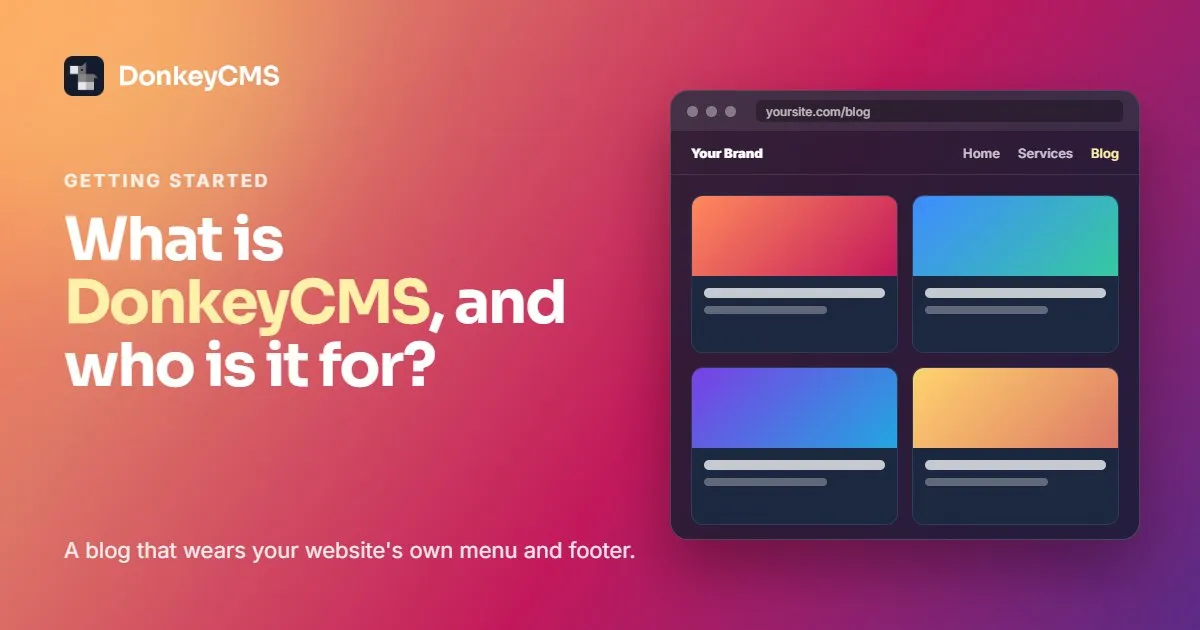
What your visitors see is the interesting part. DonkeyCMS borrows your site's own menu and footer, so the blog looks like it was there from day one. Same navigation, same logo, same colors. Nobody clicks "Blog" and suddenly lands somewhere that looks like it came with a free coupon.
We named it after the donkey on purpose. It isn't flashy, it doesn't need much to eat, and it carries more than you'd expect without making a fuss about it.
Who it's for
Mostly for people whose website wasn't built with WordPress and shouldn't have to become WordPress just to publish articles.
That includes small businesses that paid for a site that fits their brand and don't want to throw it away. It includes web designers and freelancers, because the client always asks for a blog about five minutes after launch. And it includes agencies that look after a lot of client sites and would rather not babysit a lot of WordPress installs, plugin updates included.
If you already run WordPress and you're happy with it, honestly, stay. DonkeyCMS isn't trying to convert anyone. It's for the sites that WordPress doesn't fit.
The features that make the biggest difference
It fits your design instead of replacing it. A tool called Frame Setup reads your homepage, finds your header and footer, and connects them to the blog. You review what it found before anything is saved, so there are no surprises. From then on, the blog wears your site's clothes.
Search engines and AI tools get a tidy page. Every post gets a clean address, an entry in your sitemap, structured data that tells Google what the page is about, tags for nice previews when someone shares it, and a spot in your RSS feed. You don't install or configure any of it. ChatGPT, Perplexity and Google's AI answers read the same labels, which is a nice bonus for a small site trying to be found.
Writing feels like writing. Headings, lists, links, images and video embeds, plus a preview before you publish. You can write at 2 a.m. and schedule the post for 9. Nobody needs to know.
Updates don't keep you up at night. When a new version comes out, you update with one click. DonkeyCMS makes a backup first, and if anything goes wrong it puts everything back on its own.
Your content stays yours. It lives on your hosting and in your database, not on our servers. You can download a full backup of your posts, images and settings whenever you like.
How to try it
Start with the Free plan. It covers one site, never expires and doesn't ask for a card, and it's the same software as the paid plans. Install it, connect your menu and footer, publish something, and see how it feels. If you later want categories, a media library, comments or a small team, the paid plans add them without a reinstall.
If you're already wondering which plan you'd end up on, we wrote a plain guide to choosing one. And for the full list of what's inside, here's every feature, explained.
Your website is already good. It just needs somewhere to say things.